VKC Attribute Action Trigger
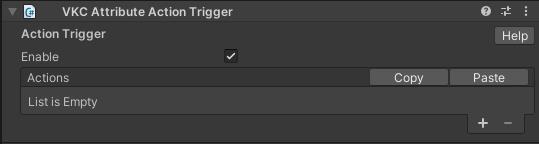
VKC Attribute Action Trigger is a component for introducing actions to the object.
It executes the specified actions when a collider is clicked.
To attach a VKC Attribute Action Trigger, a Collider must be attached to the object.
Additionally, to enable click detection, the Collider Type of the VKC Node Collider component must be set to "Clickable".
Note
VKC Node Collider is automatically added to objects with a Collider at local build time, but will not be added again if one is already present.
If VKC Node Collider is not yet attached, add it manually; if it is already attached, check and update the Collider Type setting accordingly.
You can set any action by clicking "+" button.
You can remove the last action by clicking "-" button.
For actions, see Actions Overview.
For colliders, see Unity Production Guidelines - Colliders.